January 21, 2025
How to clean a PC
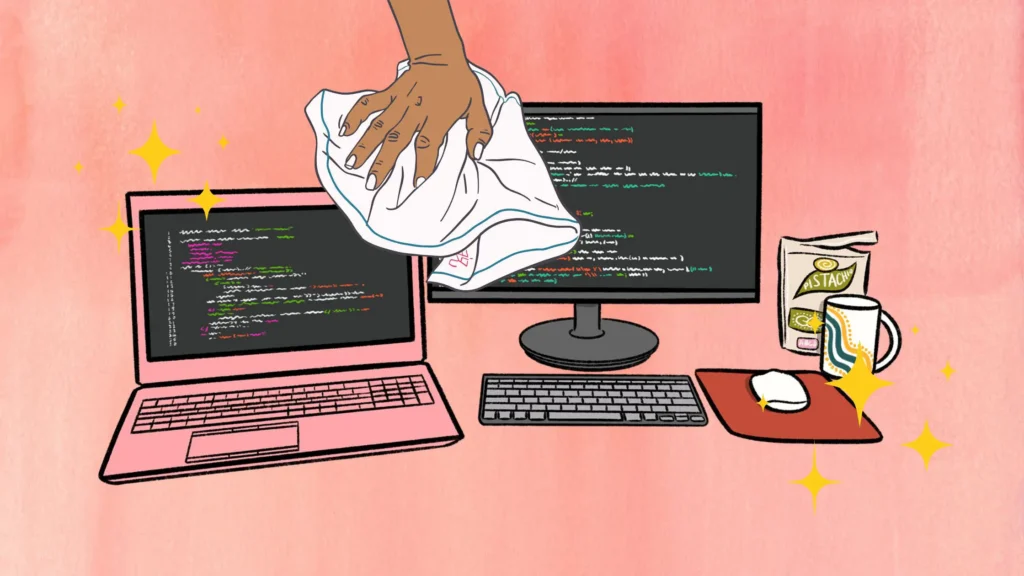
Cleaning your PC at home requires careful handling to avoid damaging any components. Begin by turning off the computer completely and unplugging it from the power source. If it’s a laptop, remove the battery if possible. Gather the necessary cleaning tools, such as a can of compressed air, a microfiber cloth, isopropyl alcohol (preferably 90% or higher), and a small brush for tight spaces.
Start with the exterior by wiping down the case, keyboard, and mouse using a slightly damp microfiber cloth. Avoid using water or harsh chemicals. For the screen, use a screen-safe cleaner or a dry microfiber cloth to remove smudges and dust.
Next, focus on the interior. Remove the side panel of the PC case, or for a laptop, open the back panel if you’re comfortable doing so. Use compressed air to blow dust out of the internal components, such as the fans, CPU cooler, power supply, and GPU. Hold the fans in place while using compressed air to prevent them from spinning, as spinning them too fast can cause damage. Work in short bursts and ensure you’re doing this in a well-ventilated area, as dust may spread.
For stubborn dust or grime, use a small brush or a cotton swab dipped in isopropyl alcohol to gently clean specific areas like fan blades and heat sinks. Avoid touching the motherboard or other delicate components directly with your fingers. Pay attention to the vents and airflow paths to ensure they are clear of obstructions.
Finally, once the interior and exterior are clean, reassemble the case and ensure all connections are secure. Plug the PC back in and power it on to check that everything is functioning correctly. Cleaning your PC regularly, approximately every 3-6 months, helps maintain its performance and extends its lifespan.
What Not to Do
- Do not use a household vacuum inside the case. It can create static and pull off small parts.
- Do not spray liquids directly onto components.
- Do not let fans spin freely while blowing compressed air into them. Hold the blades still.
- Do not tip a can of compressed air upside down, which can spray liquid.
Watch for Static in Winter
Dry indoor air during Nebraska winters makes static electricity more likely. Before touching anything inside the case, touch a bare metal part of the case to discharge static, and avoid working on carpet.
When to Have It Professionally Cleaned
If your computer is running hot, the fans are loud or you are not comfortable opening the case, we offer PC cleaning service.
The Computer Magician works by appointment only. Schedule an appointment online or give us a call.