

November 1, 2026
Software Installation Lincoln NE: Avoid Problems Before Adding New Business Programs

Installing software looks simple when the process is reduced to clicking a download button and following a setup wizard. In a business environment, however, the real work begins before the installer runs. Companies searching for software installation Lincoln NE should consider compatibility, licensing, security, backups, user permissions, and integration with existing systems before adding a new application.
A careful installation process reduces the chance that a new program disrupts a workstation, conflicts with security tools, or creates a support problem for every employee who uses it.
Verify Hardware and Operating System Requirements
Every application has minimum requirements. Those requirements may include a supported version of Windows, a certain amount of memory, available storage, graphics capabilities, or a specific processor architecture. Meeting the minimum requirement does not always mean the computer will provide a good user experience.
For business software used every day, check both the published requirements and the actual workload. A workstation that is already close to its memory or storage limits may need an upgrade before another demanding application is added.
Confirm the License Before Deployment
Business software may be licensed per user, per device, by subscription, by concurrent user, or through another model. Installing first and sorting out licensing later can create activation problems and compliance issues.
Document which account owns the license, where subscription information is stored, and who should have access. This is especially important when several employees use the same business application or when a company expects the software to be moved to replacement computers later.
Download Software From a Trusted Source
Installers should come from the software publisher, an approved vendor, or another known source. Search ads, third-party download sites, and unsolicited email links can lead users to fake installers, bundled unwanted programs, or malware.
A consistent software procurement process reduces this risk. Employees should know where approved software comes from and who to contact when they need a new application.
Protect Important Data Before Major Changes
Most installations complete without damaging user data, but business-critical systems deserve a recovery plan. Before making a major software change, verify that important files are backed up and that the company understands how to restore them if something unexpected occurs.
Backup is particularly important when replacing an older application, migrating data, changing databases, or upgrading software that stores information locally on the workstation.
Watch for Conflicts With Existing Software
Security applications, older versions of the same program, device drivers, browser extensions, and shared components can affect an installation. Removing an old version prematurely can also make rollback more difficult.
A technician can review the current workstation, identify dependencies, and decide whether the old software should remain temporarily while the new version is tested.
Install With the Correct User Permissions
Some applications require administrator rights for installation but should be used day to day from a standard user account. Giving employees permanent administrative access solely to install software creates unnecessary security exposure.
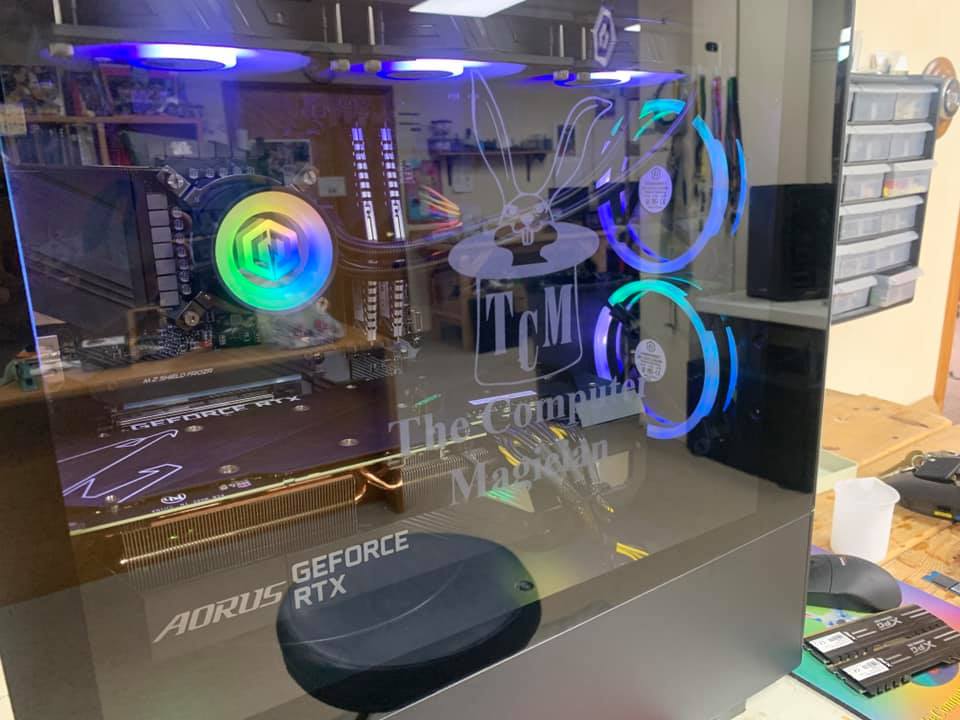
The Computer Magician provides IT support in Lincoln, Nebraska for business and home users, including software installation, system troubleshooting, computer repair, and ongoing technical support.
Test the Program Before Calling the Installation Complete
A successful installer message does not guarantee that the application is ready for work. Open the program, sign in if required, test printing or file access, verify integrations, and confirm that the user can reach the data or resources needed for normal tasks.
For shared business software, test with a real user workflow before deploying the same configuration to every workstation.
Document What Was Installed
Businesses benefit from a basic record of software versions, license owners, installation dates, and any custom settings. That information becomes valuable during troubleshooting, computer replacement, security reviews, and future upgrades.
For software installation in Lincoln, NE, a structured process helps keep new applications compatible, licensed, secure, and supportable. If your company needs help installing, upgrading, or troubleshooting workstation software, The Computer Magician can help evaluate the computer and complete the installation with the rest of your IT environment in mind.